
Zen Browser
Zen Browser is a free, open-source web browser based on Mozilla Firefox, with a calm interface built around organising tabs.
Windows
Open source

QQ Browser is Tencent's web browser for Windows, integrated with QQ and other Tencent services and mainly aimed at users in China.
Average 0.0 · ratings: 0
Thank you! Your rating is saved; you can change it. Could not save the rating. Please try again later. Too many ratings from your network today. Please try again tomorrow. The average appears after 5 ratings.
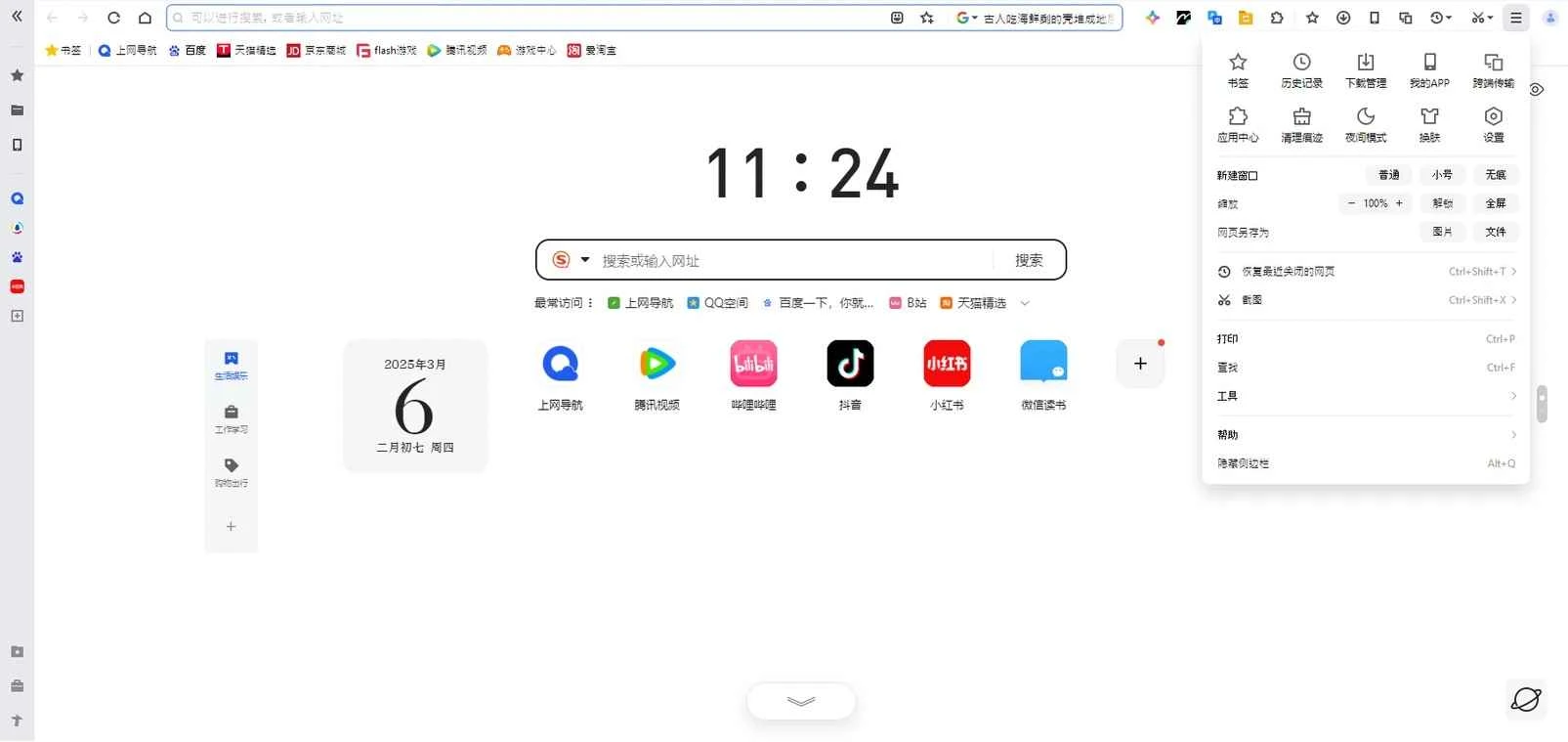
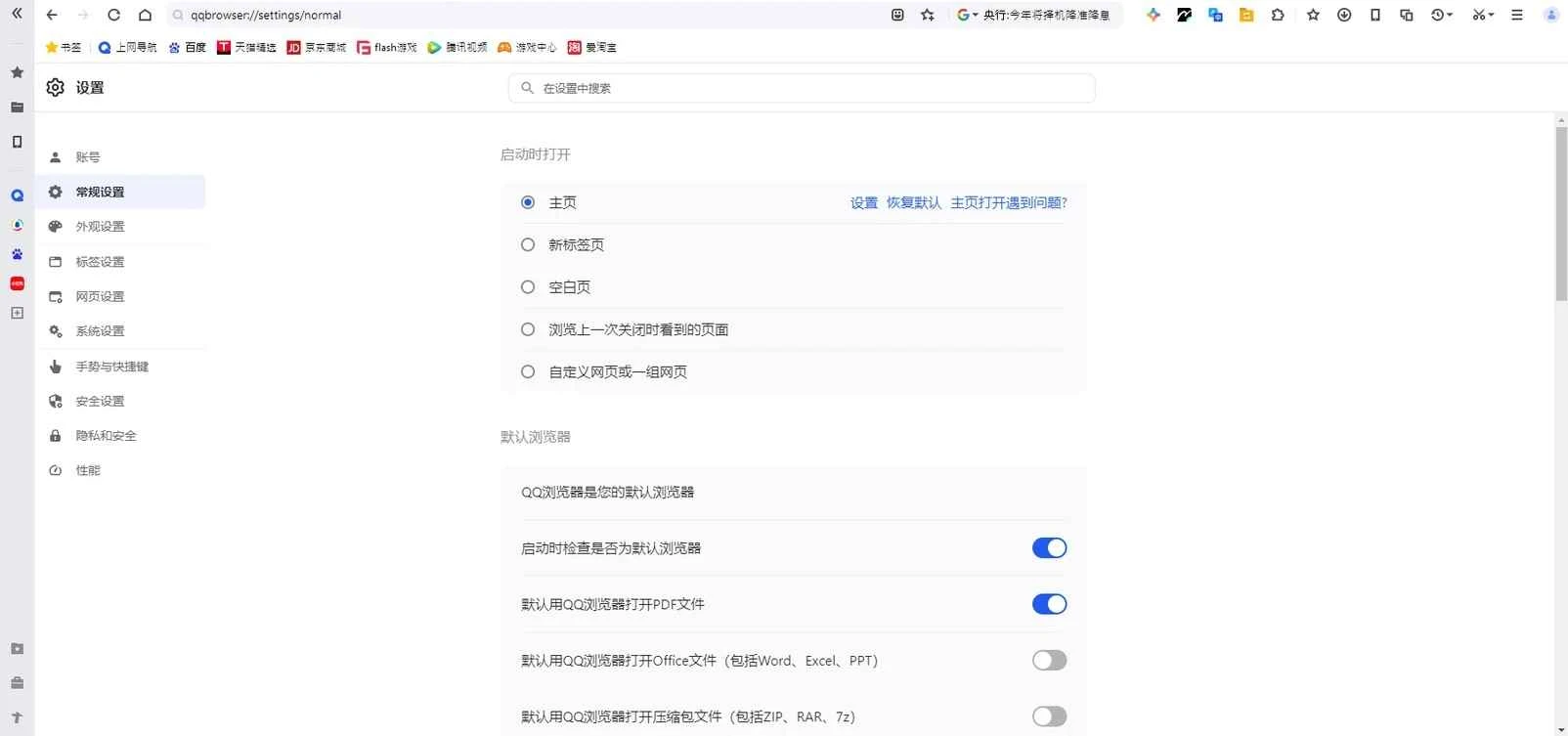
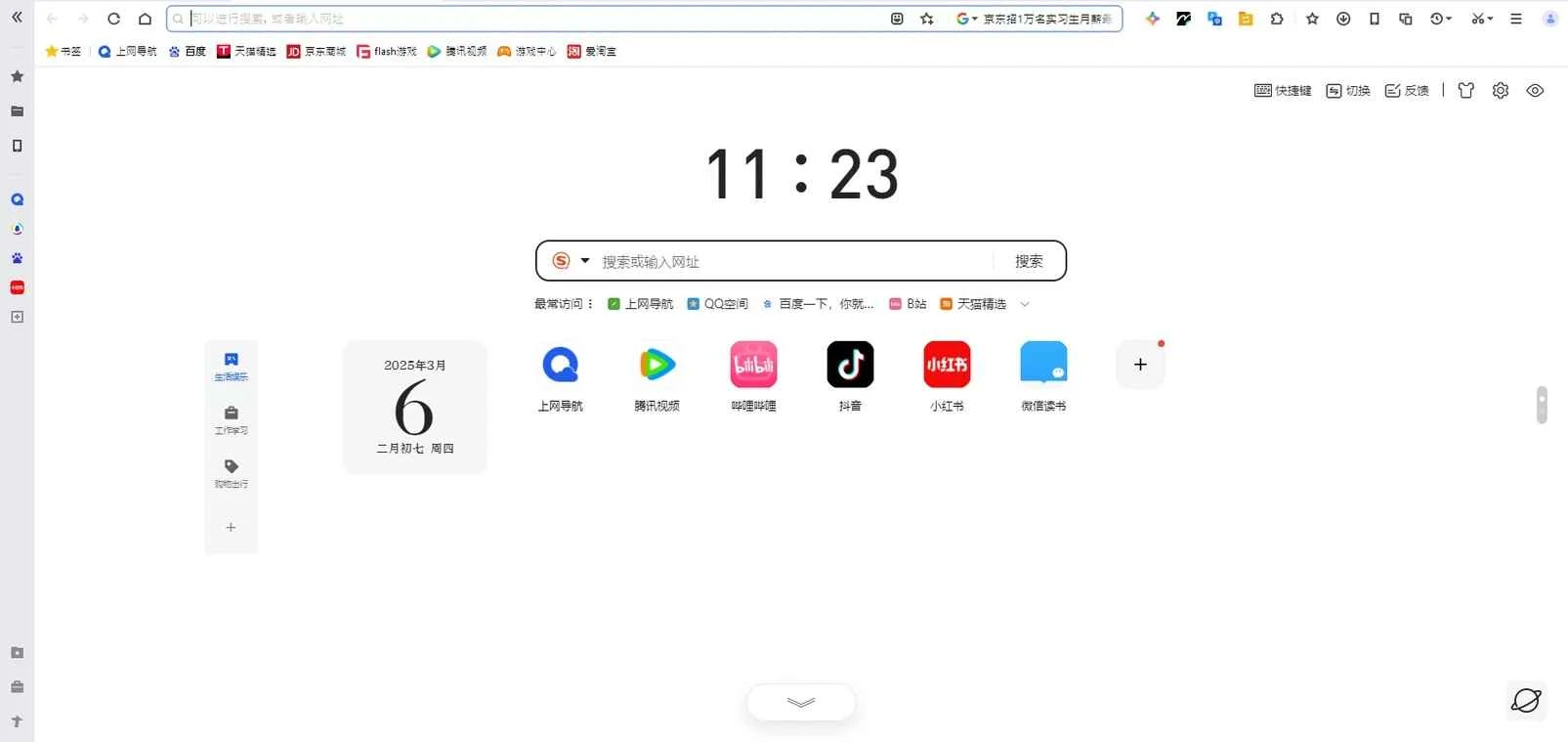
QQ Browser 21.5.9239.400 is a web browser for Windows developed by Tencent, the company behind QQ and WeChat. People download QQ Browser mainly when they use Chinese websites and Tencent services every day and want a browser that is built around them.
Tencent's browser history goes back to 15 November 2000, when its first release appeared, and the product has changed its engine and design several times since. The current Windows version uses a Chromium-based engine, so modern sites display as they would in Chrome, and it can switch to a compatibility mode for older Chinese portals that were built for Internet Explorer. What makes QQ Browser different from international browsers is its integration with the Tencent world. You can sign in with a QQ or WeChat account to sync bookmarks and settings, open QQ services from the toolbar, and use built-in tools such as a file manager, document viewer, translation, screenshot tool and video features. The start page shows Chinese news and shortcuts, and search defaults are set for the Chinese market. The interface is available primarily in Chinese, which matters for users outside China. Tencent publishes updates in a version log on the official site.
The installer is about 282.60 MB according to catalogue data.
Security researchers have criticised earlier versions of QQ Browser for how they transmitted user data. Before relying on it for sensitive work, read the privacy policy, limit sync and consider what data you are comfortable sharing with the service.
QQ Browser makes the most sense for students and workers in China, people who move between QQ, WeChat and Chinese web services all day, and users abroad who need Chinese sites to work smoothly. If you rarely visit Chinese sites or cannot read the interface, a mainstream browser with a full English interface will be much easier to use and to configure for privacy.
QQ Browser is free.
For international use, our site has Microsoft Edge, which also offers an Internet Explorer mode, plus Chromium, Opera and Whale Browser. Vivaldi is another Chromium-based option.
Zen Browser is a free, open-source web browser based on Mozilla Firefox, with a calm interface built around organising tabs.

Brave is a free, open-source, privacy-focused web browser built on Chromium, with ad and tracker blocking turned on by default.

LibreWolf is a free, open-source web browser based on Mozilla Firefox, maintained by the LibreWolf Community with privacy-focused defaults.

Mozilla Firefox is a free and open-source web browser developed by Mozilla, available for Windows, macOS, Linux, Android and iOS.

Opera is a free web browser for Windows from Opera Software. The stable release is 136.0.6008.22, published on 17 September 2026.

UC Browser for Windows is the desktop version of the web browser from UCWeb, a Chinese mobile internet company.

Google Translate is Google's multilingual machine translation service, used on Windows through the website and a browser extension.

Microsoft Edge is Microsoft's web browser, preinstalled on current Windows versions and available as a free download for reinstalling or updating.
Mozilla Firefox is a free and open-source web browser developed by Mozilla, available for Windows, macOS, Linux, Android and iOS.

Google Chrome is the free web browser from Google. The stable Windows release is 154.0.8037.58, out since 22 September 2026.

Cent Browser is a free Chromium-based browser for Windows from Cent Studio that adds mouse gestures, tab tweaks and other power-user options.